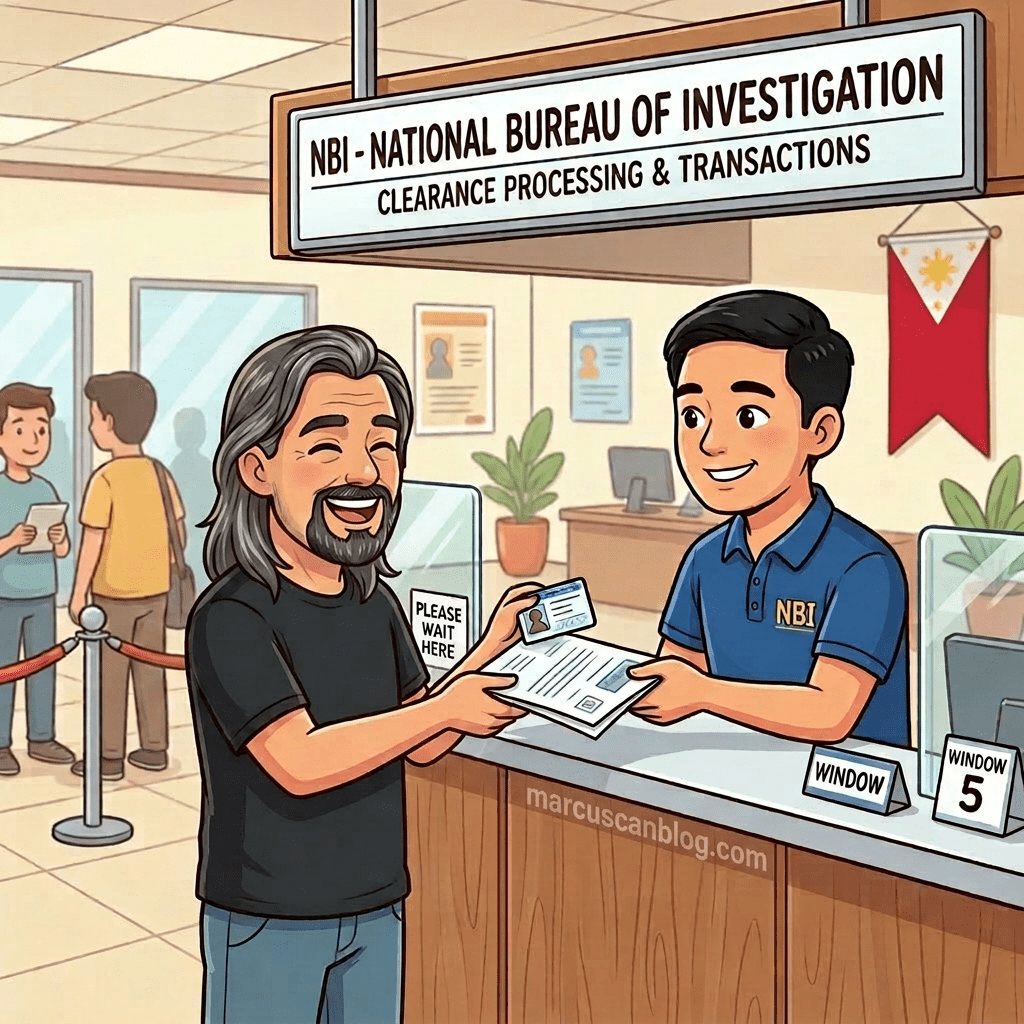
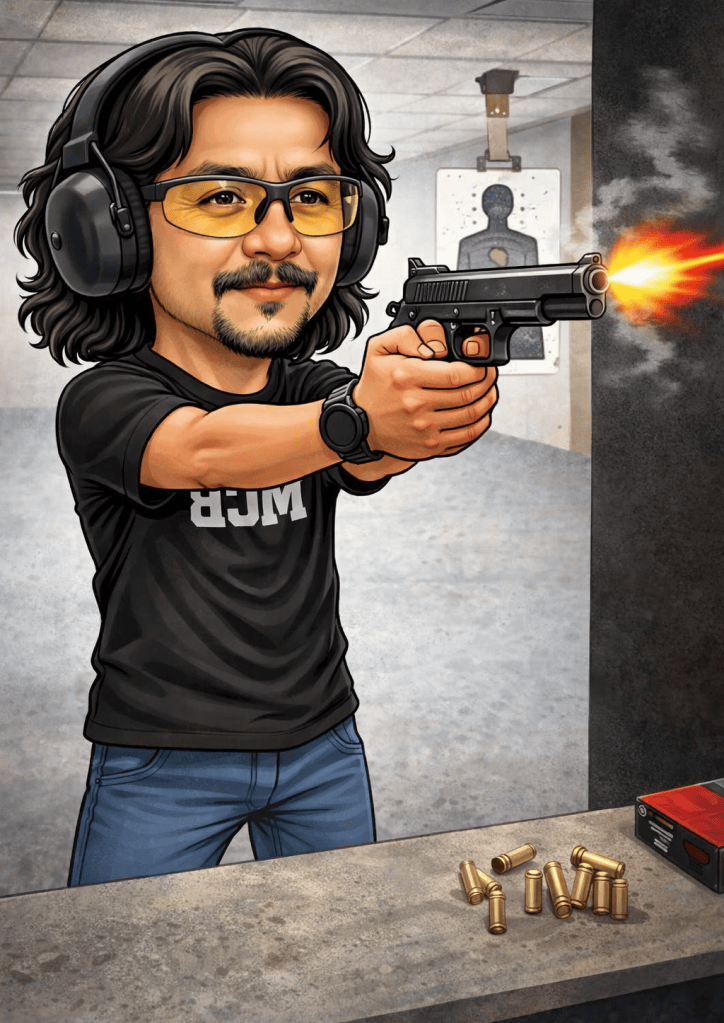
Years ago, a colleague got me interested in recreational shooting, so I eventually acquired a firearm of my own. During a gun show in Manila, I bought a two-tone Armscor 1911 from the Armscor booth. It was a decent gun to shoot. It’s loud and tests my grip. To sharpen and maintain my basic shooting skills, I would go to a couple of firing ranges every now and then. I have even participated in gun shoot events with friends. This hobby was fun while it lasted, until I lost touch with my friends after our company shut down.
Since then, the gun has been sitting in one of the huge Tupperware containers at home. Several more years passed, and I rarely even saw it—not even when we moved.
Apparently, my gun license expired, and processing the renewal seemed difficult because of the handful of requirements. For years, the gun stayed in that container, and I can even count the number of times I checked on it: to make sure it was still there, check that it wasn’t rusty, and cycle the slide so it wouldn’t get stuck. More than ten years later, I unexpectedly had time to deal with it—I became unemployed.
The unfortunate events on TV related to gun violence also pushed me to renew my license. My options were to renew it or surrender the gun for good. The process of legally keeping a firearm has changed significantly. Back then, it was just a Firearms License. But since the enactment of RA 10591, there have been two phases to go through: the License to Own and Possess Firearms (LTOPF) and Firearms Registration.
The LTOPF has the most requirements. For the benefit of those who are yet to process theirs, here’s where and how I got them:
- Application form — Available online or from the RCSU.
- Affidavit of undertaking — Available online or from the RCSU. It needs to be notarized. I paid ₱600 in-house; it costs half as much at other notary publics.
- Proof of income, payslip, or another document showing your source of income — This was the most challenging for me since I’m unemployed, but my last payslip was accepted.
- NSO birth certificate (or certificate of Filipino citizenship) — Available online through the eGov app. I paid ₱365 for one copy.
- Certificate of Gun Safety Seminar and Responsible Gun Ownership Seminar, validated by EEMD/RCSUs — I paid ₱1,000, though it may be cheaper at some other legitimate gun clubs.
- 2×2 photo — I got mine from a photo business just across from Camp Vicente Lim, but similar shops inside malls can provide one.
- Certificate of employment — I used the one my previous employer provided when I left.
- Valid government ID — Any recognized, valid ID.
- Proof of billing in the applicant’s or spouse’s name, with marriage certificate — Use the most recent bill, showing your current address.
- National Police Clearance — Available online.
- Firearms vault — I didn’t have one when I processed my LTOPF, but the PNP added this as a new requirement after the recent spate of school shootings in the country.
With all those LTOPF requirements, it’s understandable that processing takes longer once everything has been uploaded to the eGov app. I waited more than a month for my application status to change from FOR EVALUATION to FOR FLD CHIEF APPROVAL. Everything after that was much easier and faster, mostly involving trips to Landbank to pay the fees using their ONCOLL form. Surprisingly, the transactions at Landbank were faster than I expected.
Processing my FA registration was a breeze, too—not to mention cheaper than I initially estimated. Since my gun had an expired license, I’d been searching online and using AI to figure out how much I’d have to pay, given that it had been expired since 2012—14 years ago. My own calculation, and even ChatGPT’s, came to about ₱2,000 for every year, or more than ₱20,000. Ouch.
My anxiety about the penalties eased when I asked the personnel at the RCSU. “Walang pang penalty yan, sir,” said the police officer at the desk. He assured me that I wouldn’t have to pay any penalty. I figured that because my gun wasn’t entered into the new system when the LTOPF started, it was basically considered a new entry after the system migration. The ₱4,200 fee for a 10-year FA registration was much cheaper than I expected. It was even a lot cheaper than going through the gun amnesty program the PNP initiated years ago to encourage gun owners to renew their licenses.
Today, I got my firearms license ID. I can finally reclaim my gun from our local PNP, where it has been in safekeeping since June. I’m glad I took the time to sort out the paperwork and keep everything legal. No illegal guns—mine is finally on its way back home.